
01↥
Start with your clothing.
Upload a clear flat lay or product photo. Good lighting and visible garment details give your AI clothing model generator a better starting point.
Turn your flat lays into on-model photos and fashion videos. Choose the model, set the scene, and bring your collection to life.
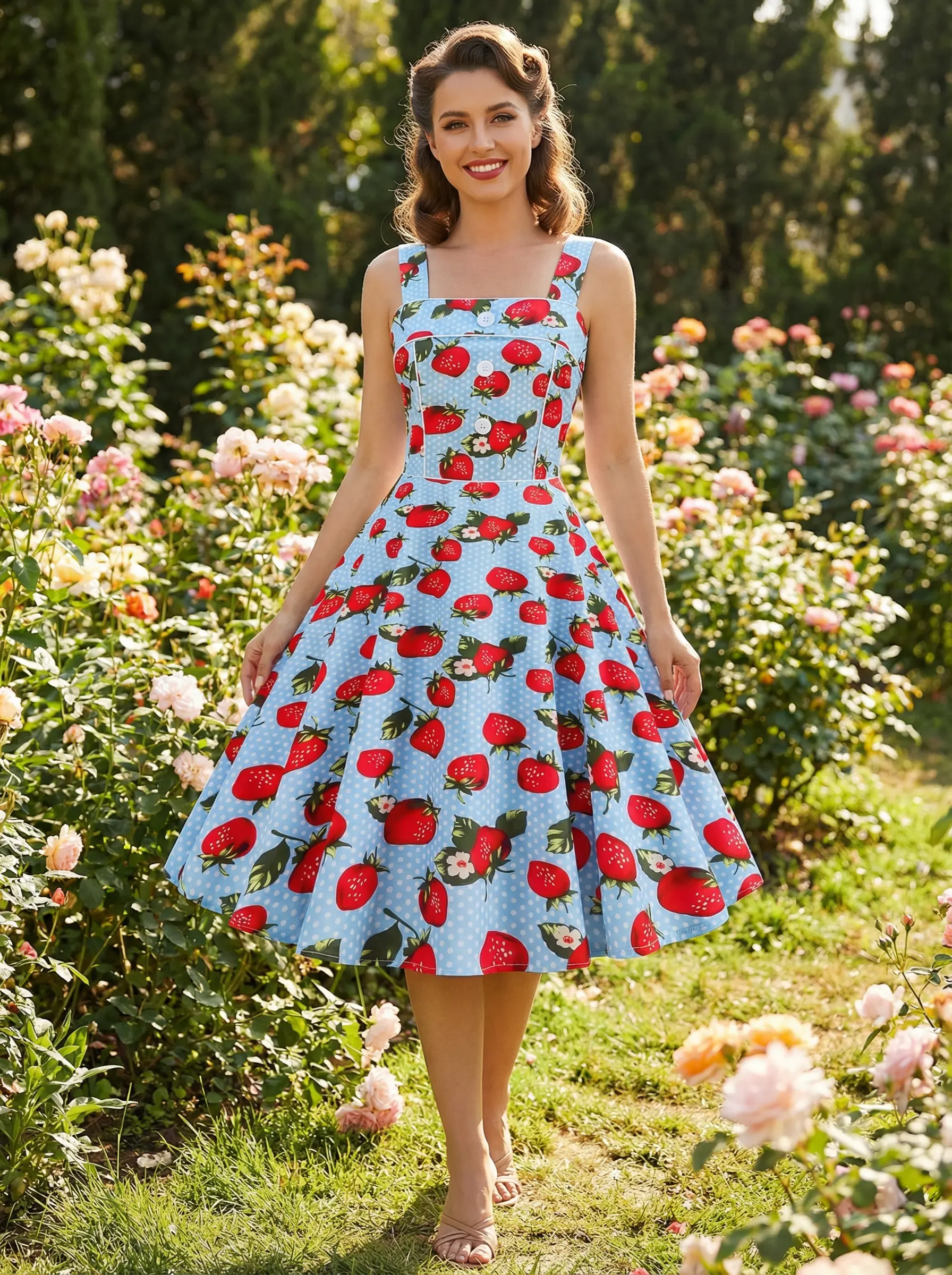
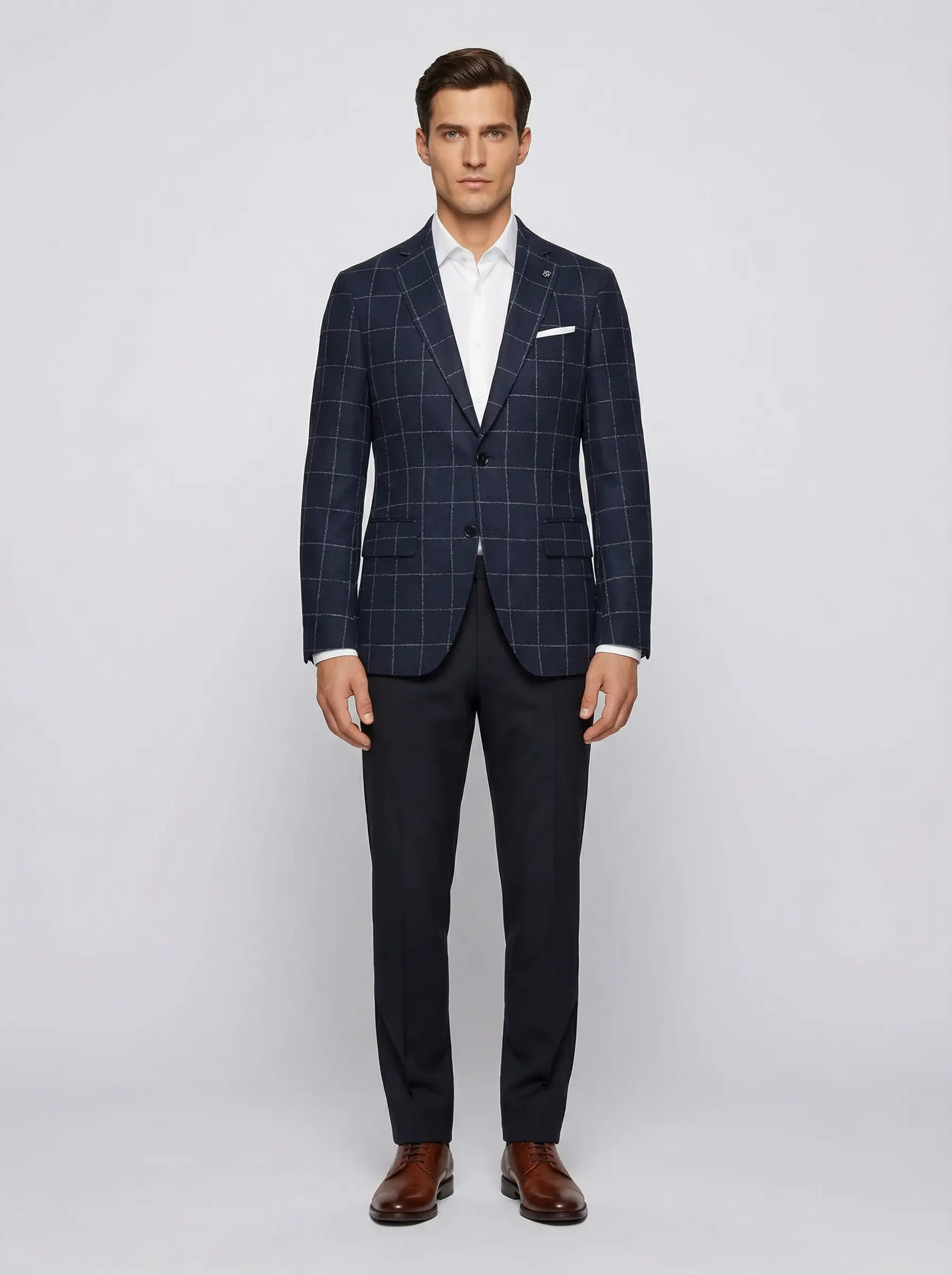
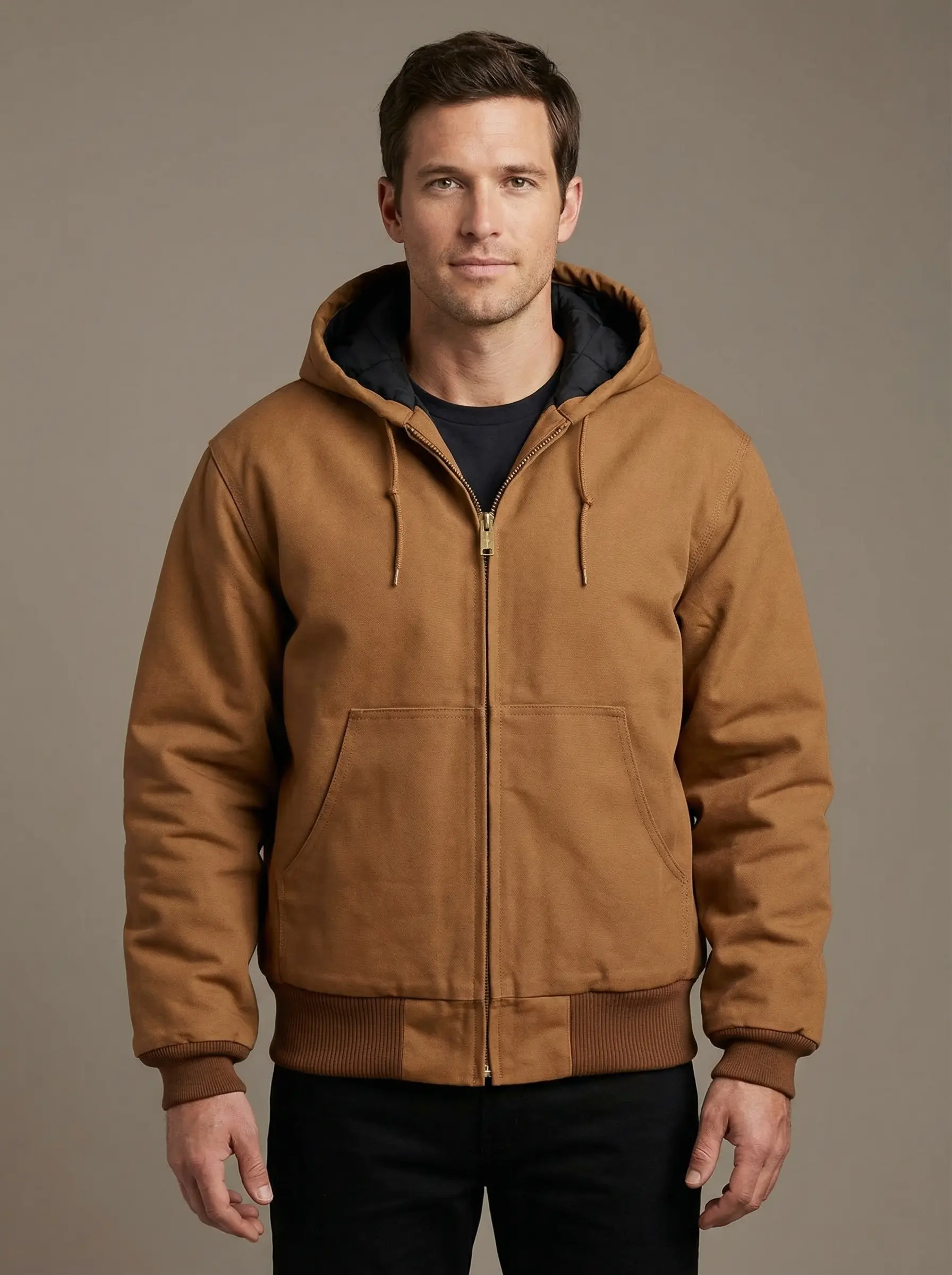
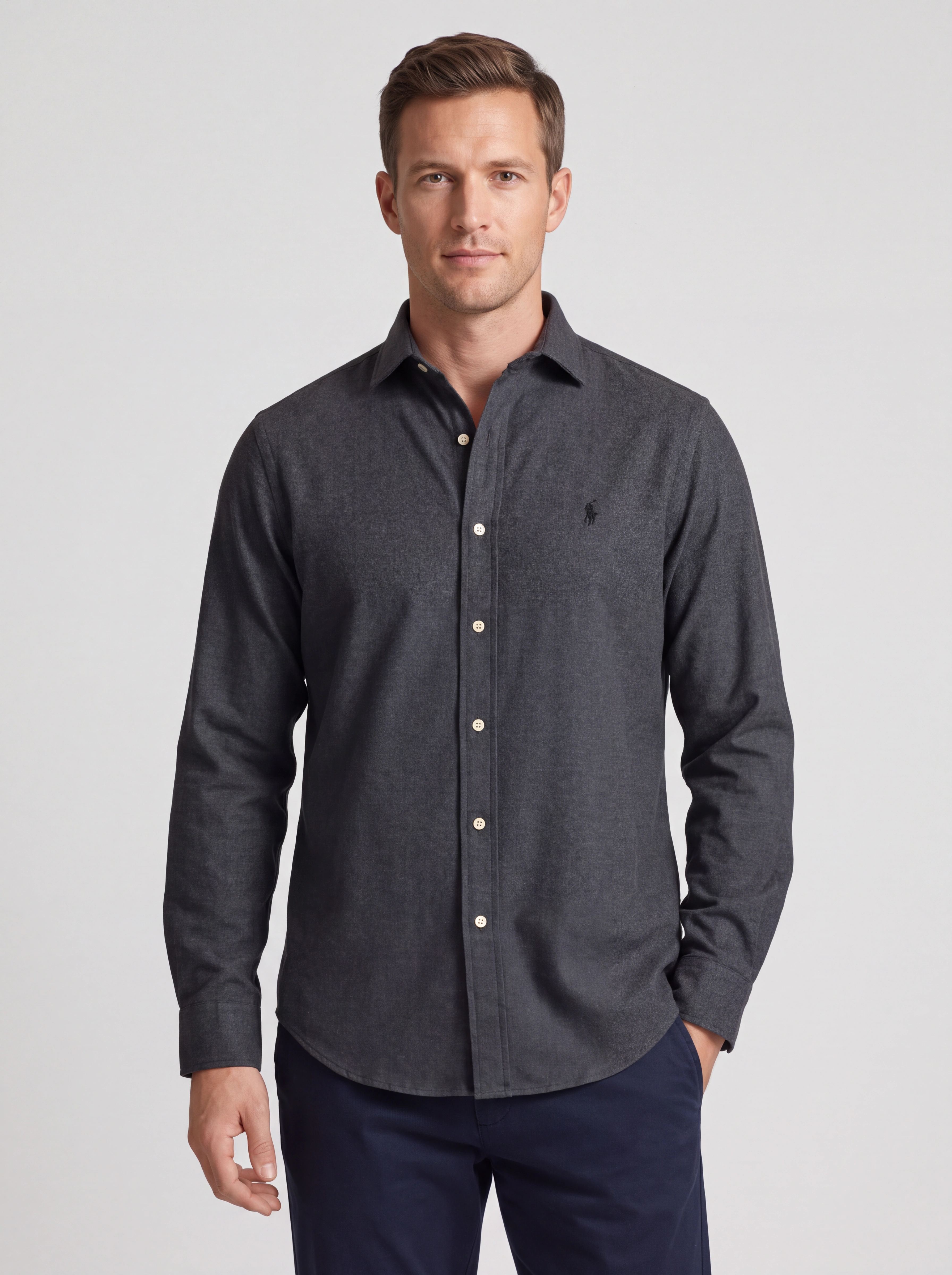
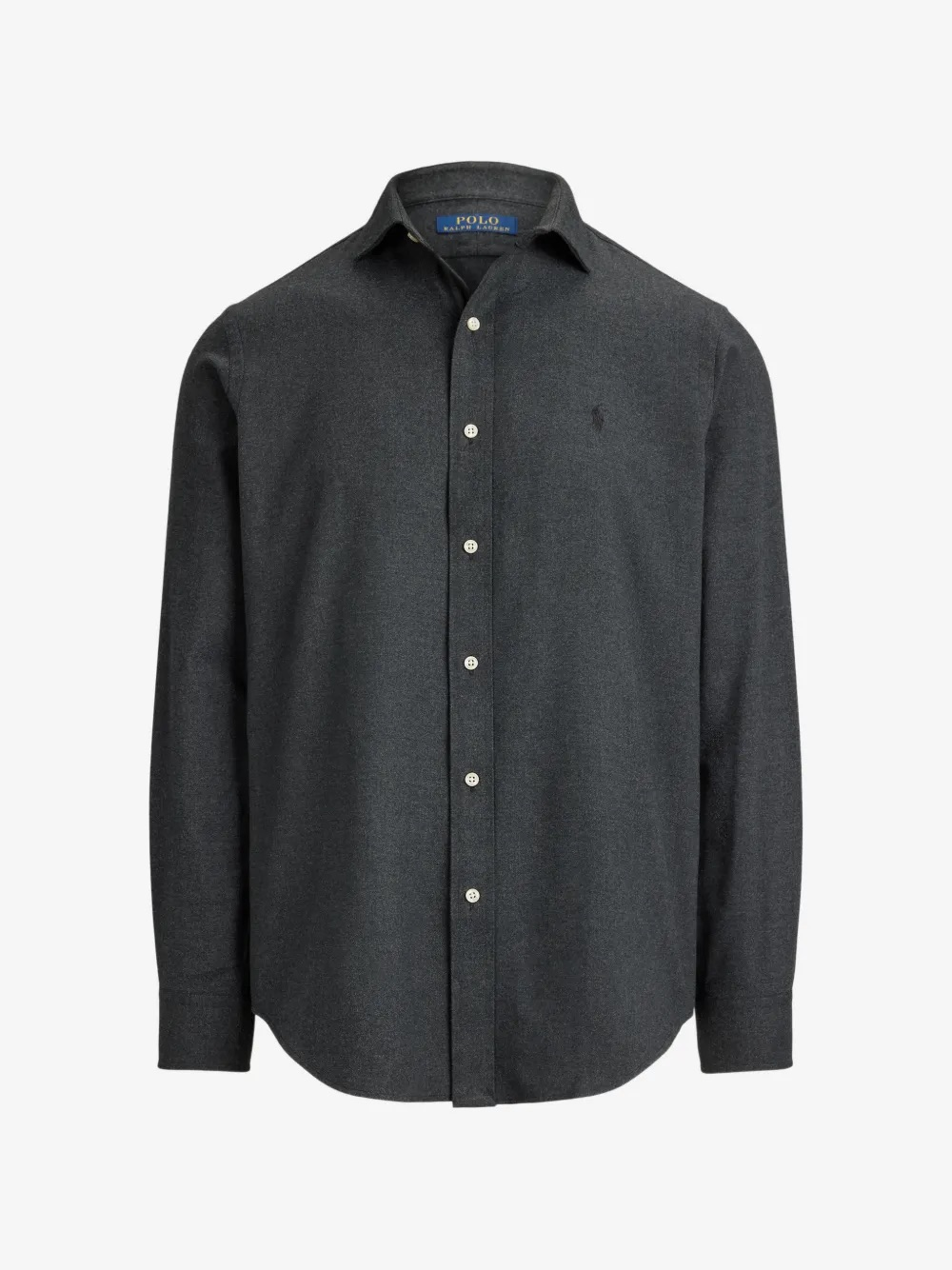
AI models for clothing, styled your way. Explore product-to-model examples from Provamoda’s image library.
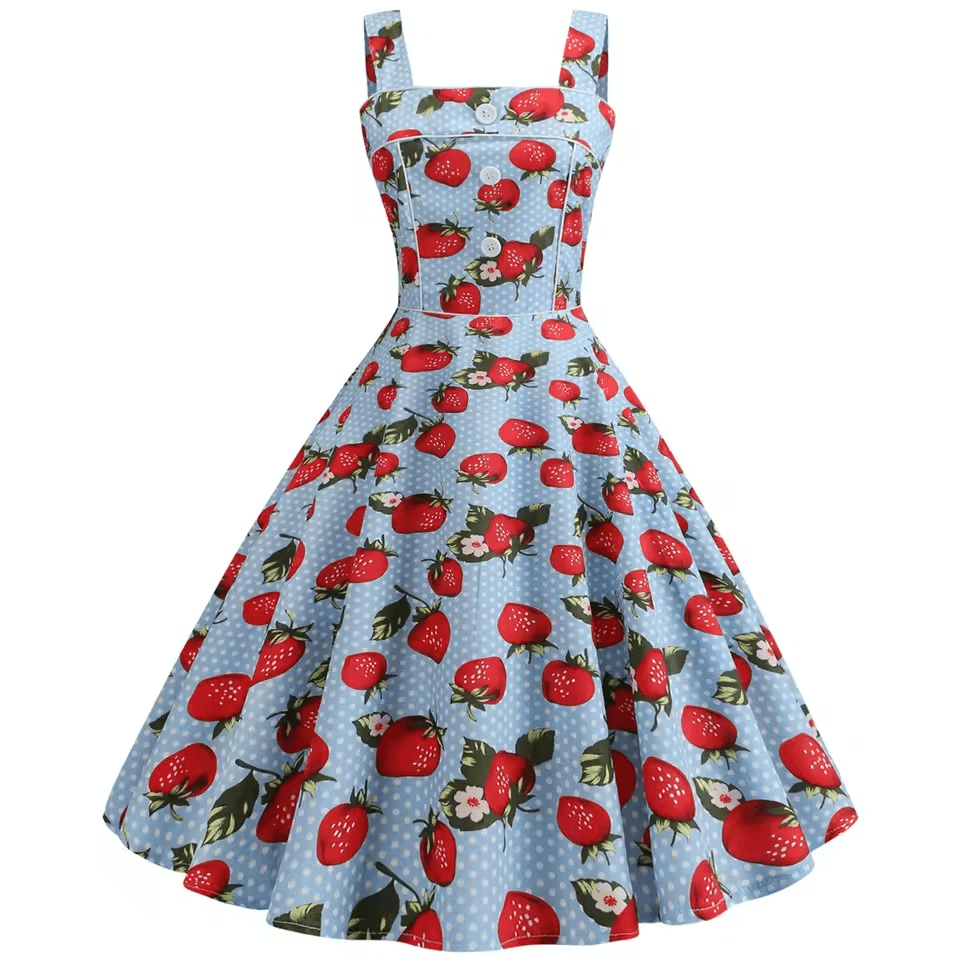
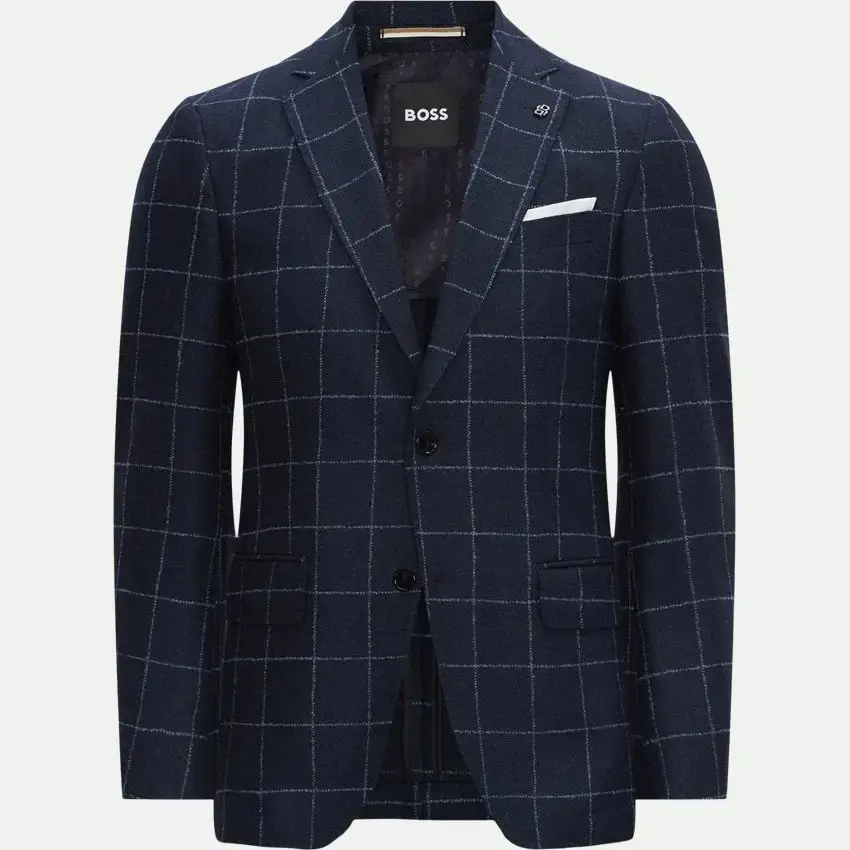
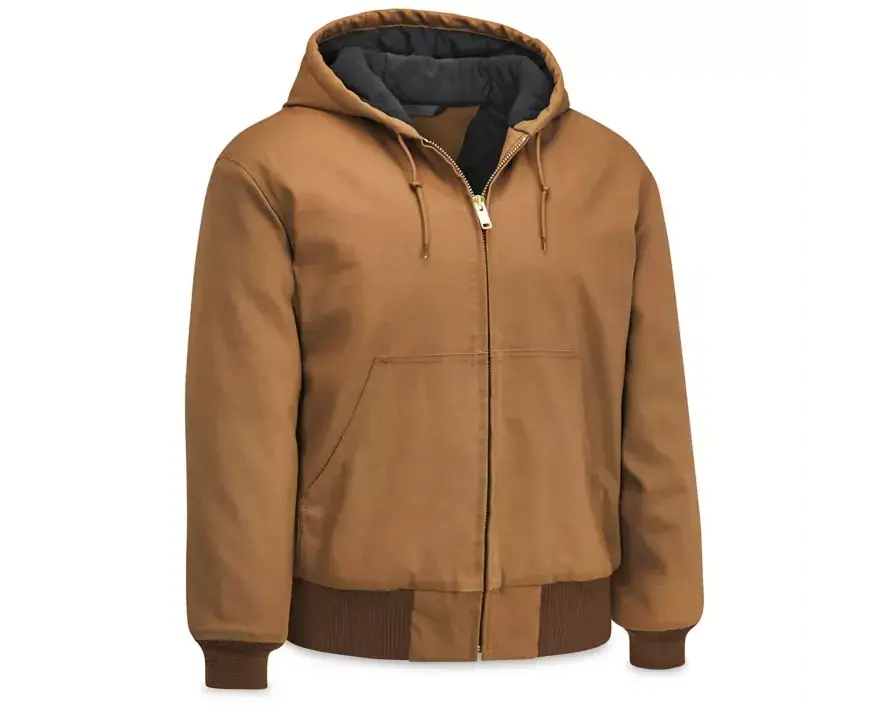
Actual examples from Provamoda’s gallery. AI-generated images; review garment details before publishing.
Upload a clear flat lay or product photo. Good lighting and visible garment details give your AI clothing model generator a better starting point.
Choose your AI fashion model, pose, and background. Build a clean product shot or take your collection somewhere unexpected.
Generate images, edit with prompts, and download your favorites. Turn a still into a fashion video when your campaign calls for motion.
Give a great image its next act. Our AI fashion video generator turns your stills into moving content for your store, campaigns, and social feeds.
Meet your free outfit generator. Bring pieces together, arrange your flat lay, and find the combination that makes your collection click.
Open the free outfit creator ↗Outfit planning is free. AI photo generation uses paid credits.
Choose your models, shape the scene, and create photos and video for your next collection.
Choose from different fashion models, including men, women, and teens, to show your clothing on the people you design for.
Change the background of your generated images. Explore studio settings and lifestyle scenes for your clothing photography.
Turn a generated photo into a fashion video with a single prompt. Describe the movement and bring your collection to life.
Create on-model photos of shirts, jackets, pants, skirts, and more. Show individual pieces or style them into a complete outfit.
Your generated images are automatically upscaled at no extra cost, ready for ecommerce product pages, lookbooks, and campaigns.
Generate front and back views of your clothing products. Give your ecommerce catalog more angles to show each piece.
Generate a different virtual fashion model with each new image. Explore new faces and find a look that fits your collection.
Create group shots with more than one model. Use Model Quantity to bring multiple AI fashion models into a single image.
Buy a credit pack. Refill when you’re ready.
One-time payments in USD.
140 credits · $0.25 per image
450 credits · $0.22 per image
2,300 credits · approximately $0.196 per image
Image counts assume one credit per image. Videos cost 4 credits for 5 seconds or 8 credits for 10 seconds. Other operations may use more credits. See current pricing ↗
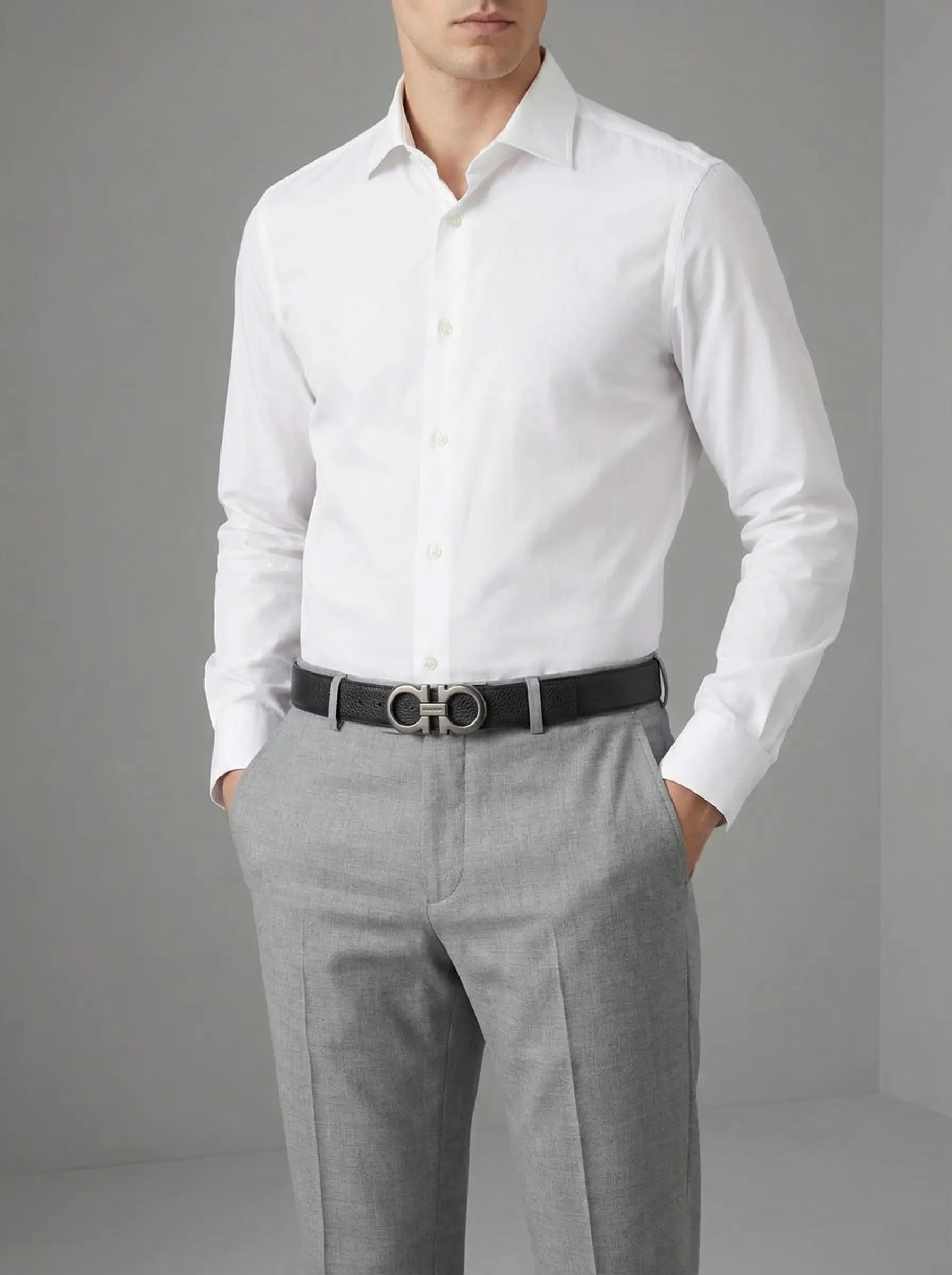
Belts, hats, and the details that complete a look. Start with an accessory photo and explore new styling and settings.
Everything to know before your first AI model photoshoot.
An AI fashion model generator creates images of virtual models wearing clothing from your product photos. With Provamoda, you upload a garment image, choose the model and scene, and generate on-model photos for product pages, lookbooks, and campaigns.
The best choice depends on your clothing and the content you need. Compare tools using the same garment, then check fabric texture, prints, logos, fit, and editing options. Provamoda brings on-model photo creation and image-to-video workflows into one platform.
Some AI model generators offer limited free access, but limits and commercial terms vary. Provamoda’s photo generation uses paid credits, starting at $35 for 140 images. Its separate outfit planner is free for arranging clothing and planning looks.
Start with the task you need to complete. Creating a new garment design, arranging an outfit, and putting existing clothing on a model are different workflows. Provamoda’s free outfit creator helps you arrange existing pieces; generating on-model photos requires paid credits.
Yes. Start with a clear photo of your existing clothing and use Provamoda to create on-model images. Review each result against the original garment, especially logos, prints, closures, and fit, before using it in your store.
Yes. Provamoda supports generating fashion videos from still images using a motion prompt. Video generation is listed in the Professional and Enterprise packs. Videos cost 4 credits for 5 seconds or 8 credits for 10 seconds.
Basic costs $35 for 140 credits. Professional costs $99 for 450 credits. Enterprise costs $450 for 2,300 credits. Image counts assume one credit per image. Videos cost 4 credits for 5 seconds or 8 credits for 10 seconds. Other operations may use more credits.
$35 for 140 images · Or start with the free outfit generator ↗